ExtreLife guide
Finding It Again: Setting Up a Find My Wallet
Five minutes of setup today saves a very long evening someday.
Pairing
- Charge the wallet on a wireless pad (or USB-C, depending on the model) until the light shows full.
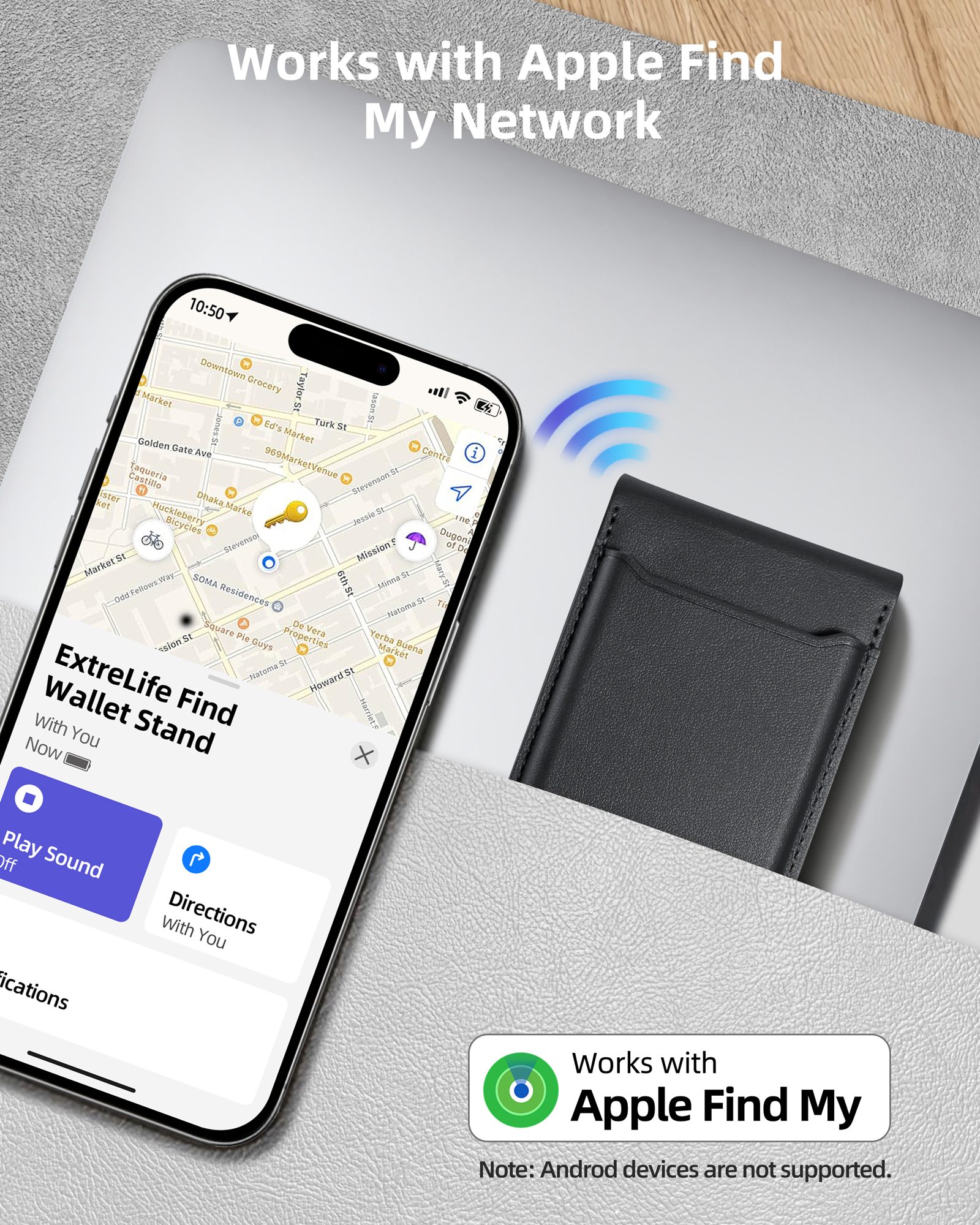
- Open Find My on your iPhone, go to Items and tap Add Item, then Other Supported Item.
- Hold the wallet near the phone, name it and confirm. It appears on the map right away.
Turn on Left Behind
In the item's settings, switch on Notify When Left Behind. Add your home as a trusted location so it stays quiet when the wallet stays on the hall table on purpose.
When it's truly lost
Mark it as lost. Lost Mode lets anyone who finds it see a message and a way to reach you, and the Find My network keeps reporting its location as Apple devices pass by.